Shipping, packing and labels
Pack with verification, ship partial or full orders, rate carriers and print labels.
Ready to pack
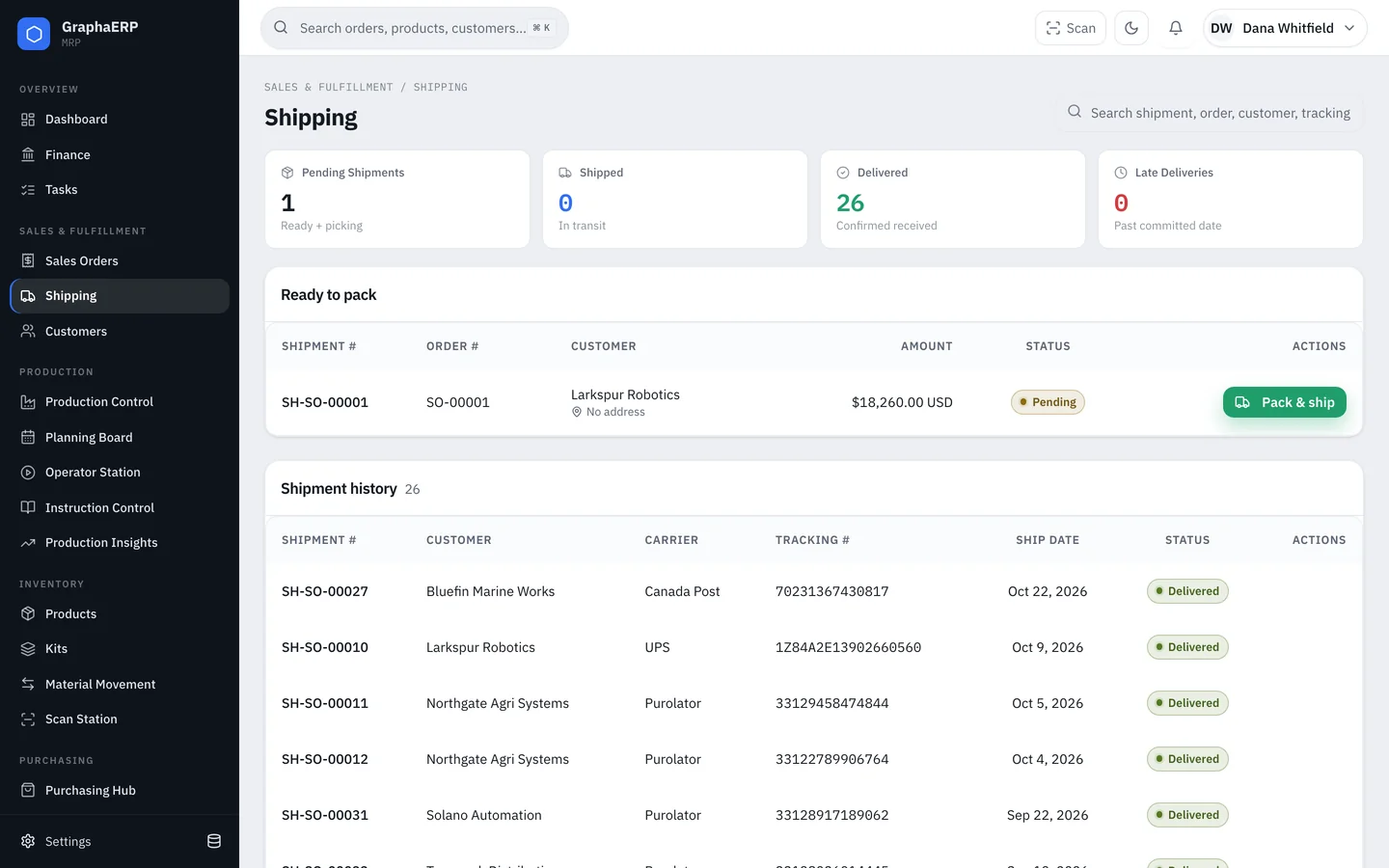
Orders with stock ready appear under Shipping → Ready to pack. Select Pack & ship to open the pack station for that shipment.
Packing
- Scan or check off each item as it goes into the carton. Quantities are verified against the shipment.
- Add cartons as needed. If something goes wrong, Start over resets an in-progress pack to empty.
- Finish the pack to record the shipment.
You can ship part of an order while the rest is still in production. The order shows as partially shipped until everything has gone out.
Carriers and rates
Connect UPS, FedEx or Canada Post in Settings → Integrations to get live rates for an order, quoted in the order's currency. Tracking numbers are kept on each shipment.
Labels and documents
- 4 × 6 packing slip — printed to a label printer or downloaded as ZPL.
- Packing slip PDF — with prices, or without prices and totals for international shipments.
- Product and carton labels — see Scanning and labels.