Products, assemblies and BOMs
Parts and assemblies, revisions, bills of materials, stock figures and autorun.
Parts and assemblies
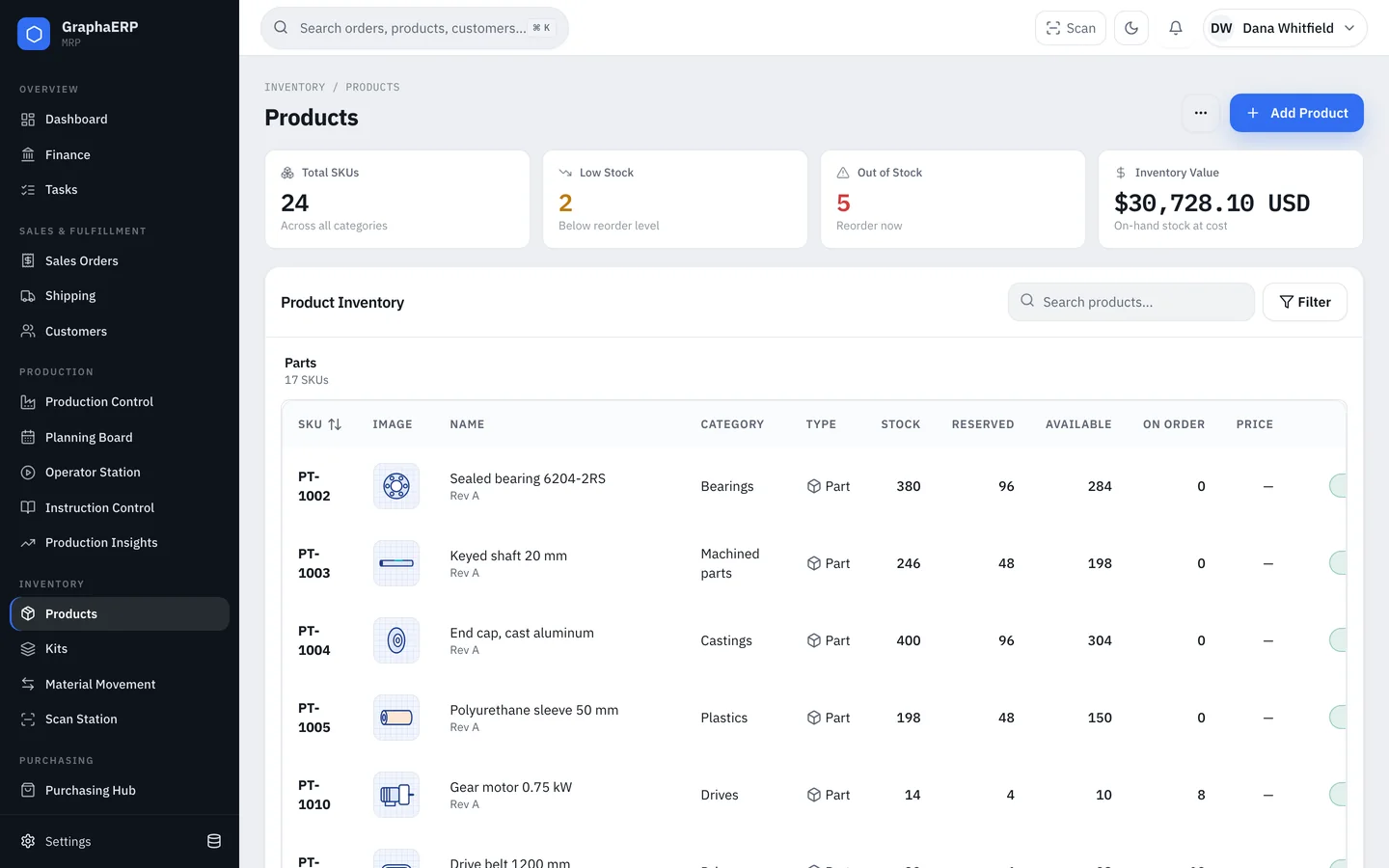
Every item is a part (bought or raw material) or an assembly (something you build from a bill of materials). An item is identified by its SKU and revision, which must be unique together. Category is required; price and cost are optional. If an item has no cost yet, the unit price on its first purchase order becomes its cost.
Bills of materials
Open an assembly and add its components with the quantity needed for one unit. Components can themselves be assemblies, so BOMs can be as many levels deep as your product. Each line can carry a reference designator and notes, and be marked required or optional.
Use Where used on any component to see every assembly it appears in.
Revisions and release
New items start as drafts. Release an item when it is ready to use. Releasing a new revision of a SKU updates the BOMs and work-instruction steps that pointed to its older revisions.
Stock figures
| Figure | Meaning |
|---|---|
| Stock | Units on hand, from the inventory ledger. |
| Reserved | Units held for confirmed sales orders and work orders. |
| Available | Stock minus reserved. |
| On order | Units on open purchase orders. |
| Min stock | Maintained by the planner from recent demand: at least 5, or two weeks of demand if higher. |
Every receipt, pick, move, build and adjustment is a ledger transaction with its reference, so stock can always be traced back to what changed it.
Autorun assemblies
Turn on Autorun for an assembly you make to stock. When available stock falls below min stock, the planner creates work orders to refill it. Minimum fab qty sets the smallest batch, and Build qty sets a batch-size floor; batches grow to about a week of demand.
Labels
Print item labels with the product photo in one click, or attach custom ZPL labels to a product. See Scanning and labels.